

One bad click used to be the nightmare. Now the bigger risk is often the thing you forgot to update, the recovery email tied to every account, or the old device on your home network that never asks for attention. The recent Quest breach, with personal information exposed, and last week’s widely discussed PHP flaw both point to the same lesson: fix the basics fast, then add protection that matches the way you actually live and work.
Patch anything exposed to the internet before you buy more software
If a device or app can be reached from the web, it belongs at the top of your update list. That’s why the PHP issue got so much attention: a flaw in a widely used web technology becomes dangerous when people delay patching the runtime, the site software built on it, and the plug-ins around it.
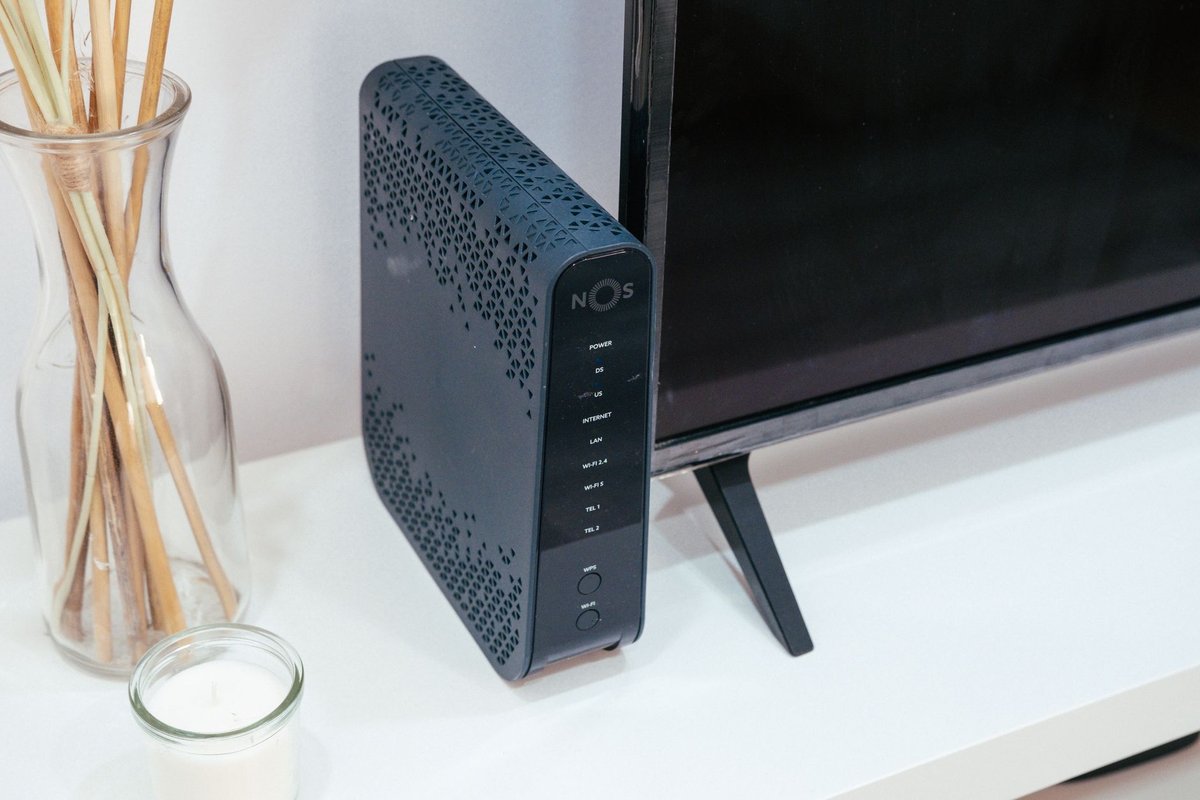
For a small business or organization, that means updating your site stack, admin panels, and any hosted tools that rely on PHP-based apps as soon as patches are available. For households, the overlooked items are usually the router, mesh system, NAS drive, smart camera hub, and printer web interface. Those don’t nag you the way a phone does, so they sit unpatched for months.
A useful rule is simple: patch from the outside in. Start with your router and anything with a browser-based login. Move next to laptops and desktops. Leave optional app updates for later. You’ll cut more risk that way than by obsessing over one antivirus setting while your network edge is running old firmware.
Lock down your email account because it is the master key
Most people think of cybersecurity as “protect the laptop.” In practice, your email account is the real control panel for your digital life. If someone gets into that inbox, they can reset banking passwords, intercept one-time codes, and quietly take over shopping, health, and work accounts.
Turn on two-factor authentication for email first, and use an authenticator app if the provider offers one. Then check your mailbox settings for forwarding rules, filters, and recovery addresses you don’t recognize. Hidden forwarding rules are a classic cleanup step after phishing, and plenty of people never think to look.
This is also the moment to separate old from important. If you still use an aging email address for everything, move banks, tax services, healthcare portals, and your password manager to the most secure inbox you have. Updating the recovery phone number matters too. Attackers go after stale recovery options because they’re easier to exploit than your current password.
After a breach, protect the accounts connected to it, not just the breached one
The recent Quest breach is a good reminder that personal information exposure creates follow-on risk. Even if the breach notice doesn’t say your password was taken, exposed names, contact details, and account context can still fuel phishing, impersonation, and account recovery attacks.
Start by changing any password you reused anywhere else. Then watch for messages that create urgency around bills, claims, refunds, or account verification. Those are easier to believe when criminals already know where you’ve been a customer.
A less obvious move is to review every account that shares the same recovery email, phone number, or security prompts as the affected service. That’s where the damage often spreads. If the exposed information is sensitive enough to support identity fraud, add a fraud alert or freeze to your credit files rather than waiting for something suspicious to happen. For shoppers, that is usually more useful than endlessly refreshing the breached company’s update page.
Choose protection based on your real weak spot, not the biggest headline discount
Security software helps most when it closes a specific gap. If you click links from email on a work laptop, browser and phishing protection matter. If you use public Wi-Fi often, secure browsing and VPN tools become more useful. If your household has lots of devices, device coverage can matter more than an extra feature you’ll never switch on.
If you want a broad first layer, Avast One is built around real-time protection, secure browsing, and firewall tools, and at the time of writing its store page lists 50% off Avast One; check the current terms before you buy.
If a recent breach has you more worried about privacy and identity misuse than just viruses, Norton’s antivirus and 360 range is a sensible place to compare because Norton combines malware protection with secure VPN and identity-theft-focused tools. At the time of writing, its store page shows up to 66% off Norton Antivirus and Norton 360 products, so confirm the latest details there.
In a busy household, McAfee’s Advanced Family plan stands out for a different reason: the current offer is built for families and includes antivirus for unlimited devices, Secure VPN, and identity theft coverage. At the time of writing, that subscription is listed at 55% off on the store page.
Don’t buy a full suite just because the discount is larger. Think of it the way you’d compare a package on the site’s bundle deals page: the best value is the one where you’ll actually use the pieces you’re paying for.
Start with fast patching, a locked-down email account, and a breach response plan that reaches beyond one password. Once those are in place, compare software by device count and the kind of protection you need most, then use the bundle deals page as a final price check rather than your starting point.