
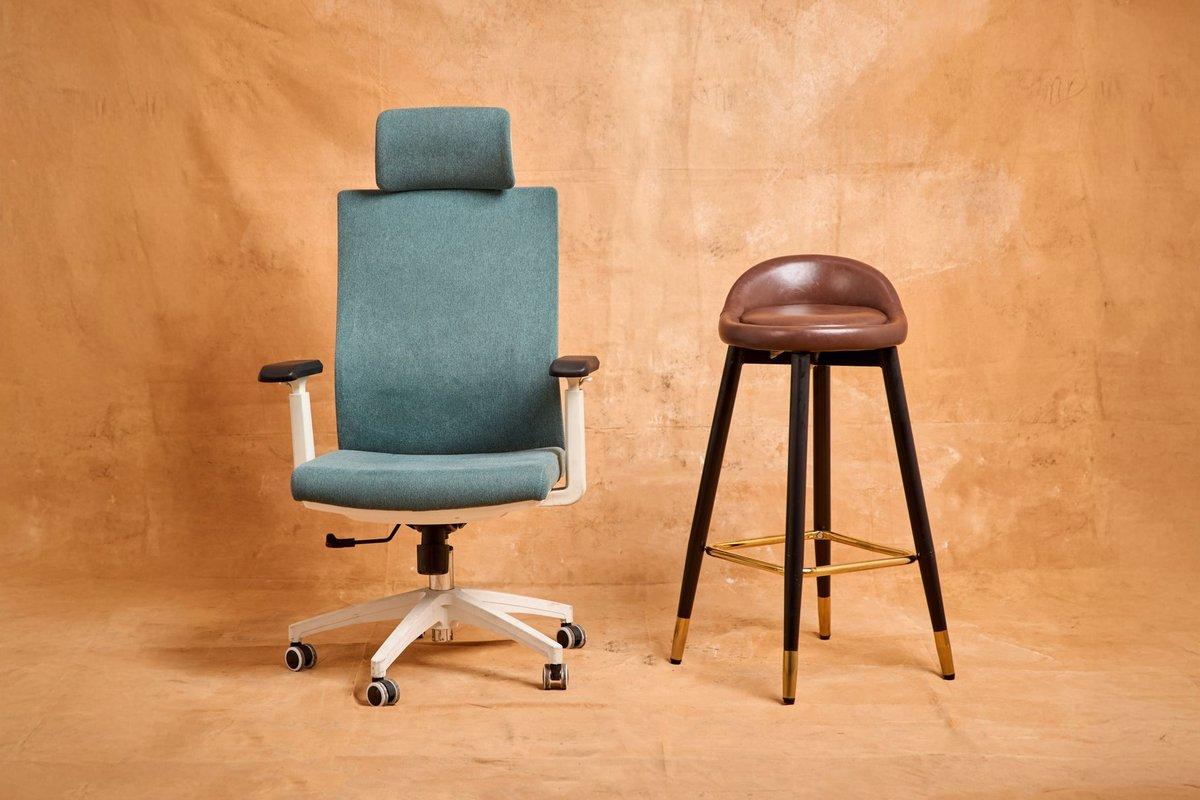
If your back starts aching halfway through the workday, a pricier chair isn’t automatically the answer. The real test is simpler: does the chair meet your lower back in the right spot, let you sit fully supported, and still feel right once it’s pulled up to your desk? Use the checks below and you’ll sort out chairs that actually support your back from chairs that only feel comfortable for a minute.
Start with how the chair fits when you’re fully seated
A backrest can’t support you if you never end up using it. That’s why the first check isn’t the feature list. It’s what happens when you slide your hips all the way to the back of the seat.
From that position, pay attention to two things. First, does the front edge of the seat crowd the backs of your knees or calves? If it does, you’ll start scooting forward, which takes your lower back away from the backrest. Second, does the lumbar support land in the natural inward curve of your lower back? If it hits too high or too low, extra padding won’t fix the mismatch.
This is also where “soft” can be misleading. Some chairs feel great in the first minute because they’re plush, but support shows up after you settle in. If the chair only feels good when you perch on the front half of the seat, it isn’t supporting your back.
If you want to narrow your search to ergonomic seating rather than broad furniture catalogs, Titan Chair focuses on office chairs, gaming chairs, and other specialized seating designs. 10% off coupon code is available At the time of writing, it has 10% off sitewide, and a discount code is available on the store page.
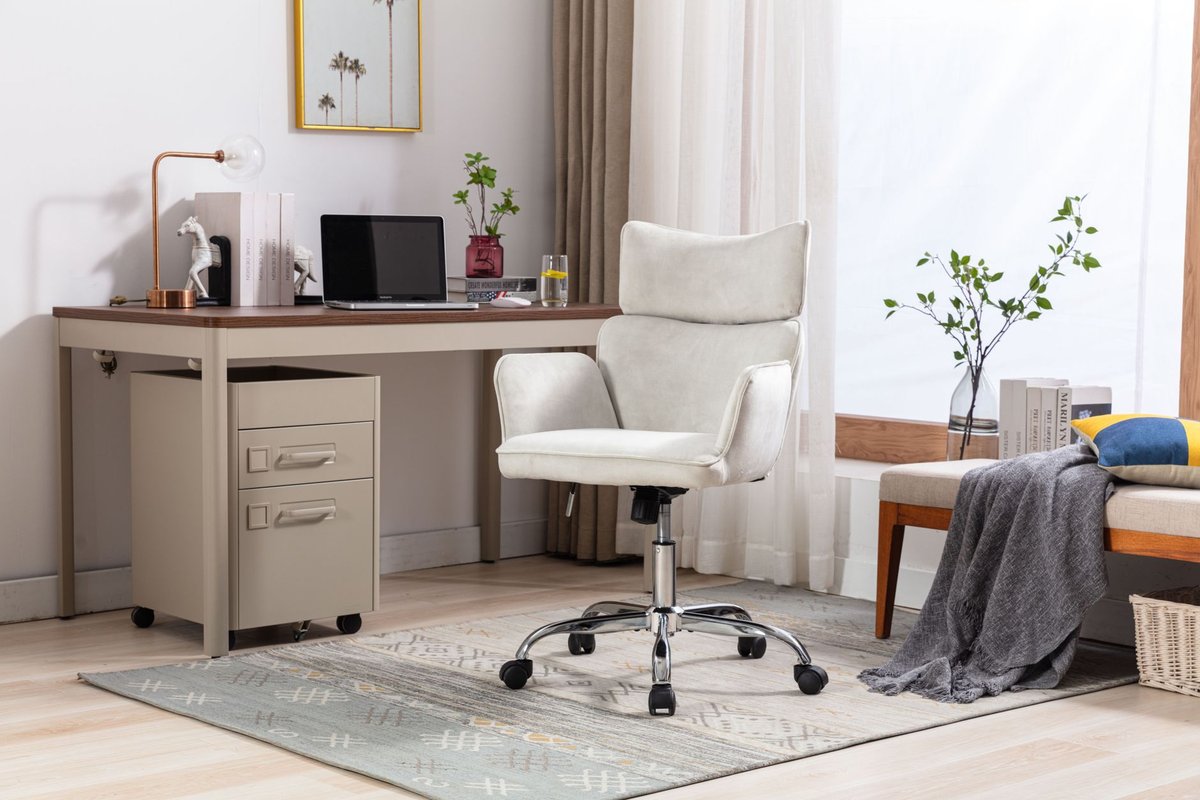
Do the armrest-under-desk test before you trust the adjustments
A chair can have plenty of levers and still work badly at a real desk. The most useful test is one many shoppers skip: adjust the armrests, then pull the chair up to your desk the way you’d actually work.
If the armrests hit the desk first and stop you from getting close enough, you’ll lean forward for hours. That turns a decent backrest into decoration. On the other hand, if the chair lets you get close while your shoulders stay relaxed, the backrest has a chance to do its job.
Recline matters too, but not in the way marketing photos suggest. You don’t need to sit bolt upright all day. A better sign is whether you can lean back slightly and then come forward again without losing your position. Good support should allow small posture changes instead of locking you in one stiff angle.
When you’re shopping for both the chair and the surrounding setup, Office Depot is useful because it carries ergonomic chairs, desks, and other office furniture in one place. 20% off coupon code is available At the time of writing, furniture and seating are over 50% off plus 15% back in rewards.
Check whether the chair is really the problem
Sometimes the chair gets blamed for a workstation problem. If your monitor is too low, you’ll round your upper back no matter how good the lumbar support is. If the work surface sits awkwardly, you may shrug your shoulders or lean forward even in a well-designed chair.
Before replacing anything, sit back in your current chair with your feet planted and notice what pulls you out of that position. Are you reaching toward the keyboard? Looking down at the screen? Feeling the desk edge trap your thighs? Those clues tell you whether the chair is the issue or whether your setup is forcing bad posture.
That can be a money-saving move, because sometimes a monitor stand or desk converter solves the problem without a full chair upgrade. MOUNT-IT specializes in monitor stands and desk converters for home and office setups, which can help correct a screen or work-surface height mismatch. 20% off coupon code is available At the time of writing, it has 20% off sitewide through 30 November 2026, and a discount code is available on the store page.

Judge the seat after a few working movements, not a quick sit-down
The fastest way to buy the wrong chair is to sit in it upright for a moment and call it supportive. Real work involves typing, reading, turning, leaning in, and settling back again. Your test should match that.
Spend a few minutes in the posture you use most. Rest your arms as if you were typing. Lean back slightly, then return to the desk. Twist a little as if reaching for a notebook or second screen. Notice what the seat does once your weight settles.
Move on if the center of the seat sags quickly, the front edge starts digging in, or the seat shape keeps pushing you toward the front. Those are the signs that create the “I’m always readjusting” feeling that shows up as back fatigue later. Mesh versus foam matters less than whether the seat stays supportive and the backrest still meets you where you need it.
Use three checks to narrow your options fast
If you remember only three things, make them these: sit all the way back and check where the lumbar support lands, pull the chair under your desk to see whether the armrests get in the way, and make sure your screen and work surface aren’t the real source of the problem.
That short list rules out a surprising number of bad buys before you get distracted by styling or long feature lists. When you’re ready to browse, start with the Office Chairs category page so you can compare chair types quickly and focus on models that have a real chance of supporting your back.